
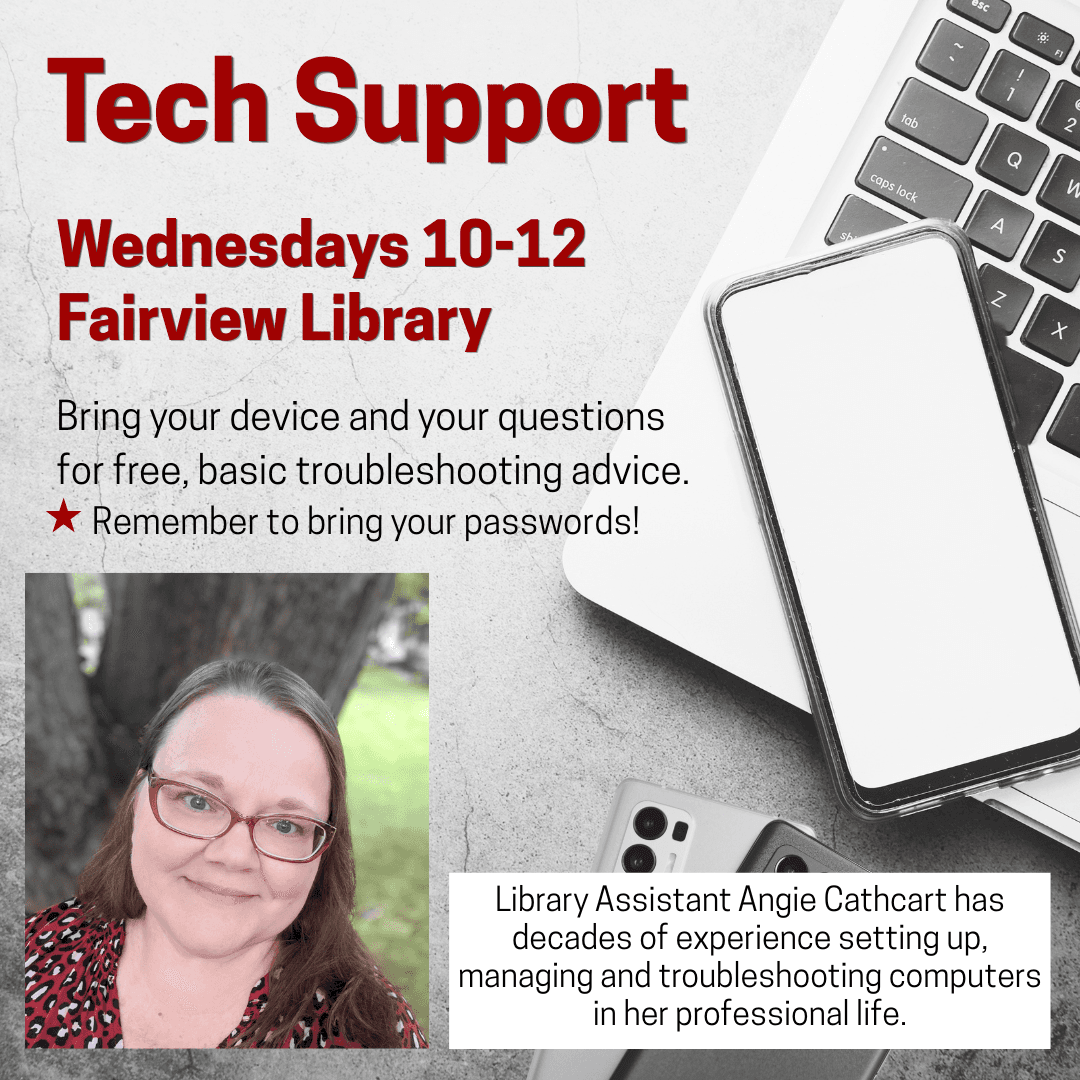
Tech Support
Get hands-on help troubleshooting phones, laptops, tablets, Kindles, and apps in a welcoming one-on-one session. Learn to use Libby audiobooks and eBooks, access the NC Cardinal catalog, and manage book requests or renewals.
Similar Events
Tech Support
MoreGet one-on-one help with phones, laptops, tablets, e-readers, and apps, including Libby audiobooks and e-books, NC Cardinal catalog access, and practical smartphone navigation.
Get one-on-one help with phones, laptops, tablets, e-readers, and apps, including Libby audiobooks and e-books, NC Cardinal catalog access, and practical smartphone navigation.
Get one-on-one help with phones, laptops, tablets, e-readers, and apps, including Libby audiobooks and e-books, NC Cardinal catalog access, and practical smartphone navigation.
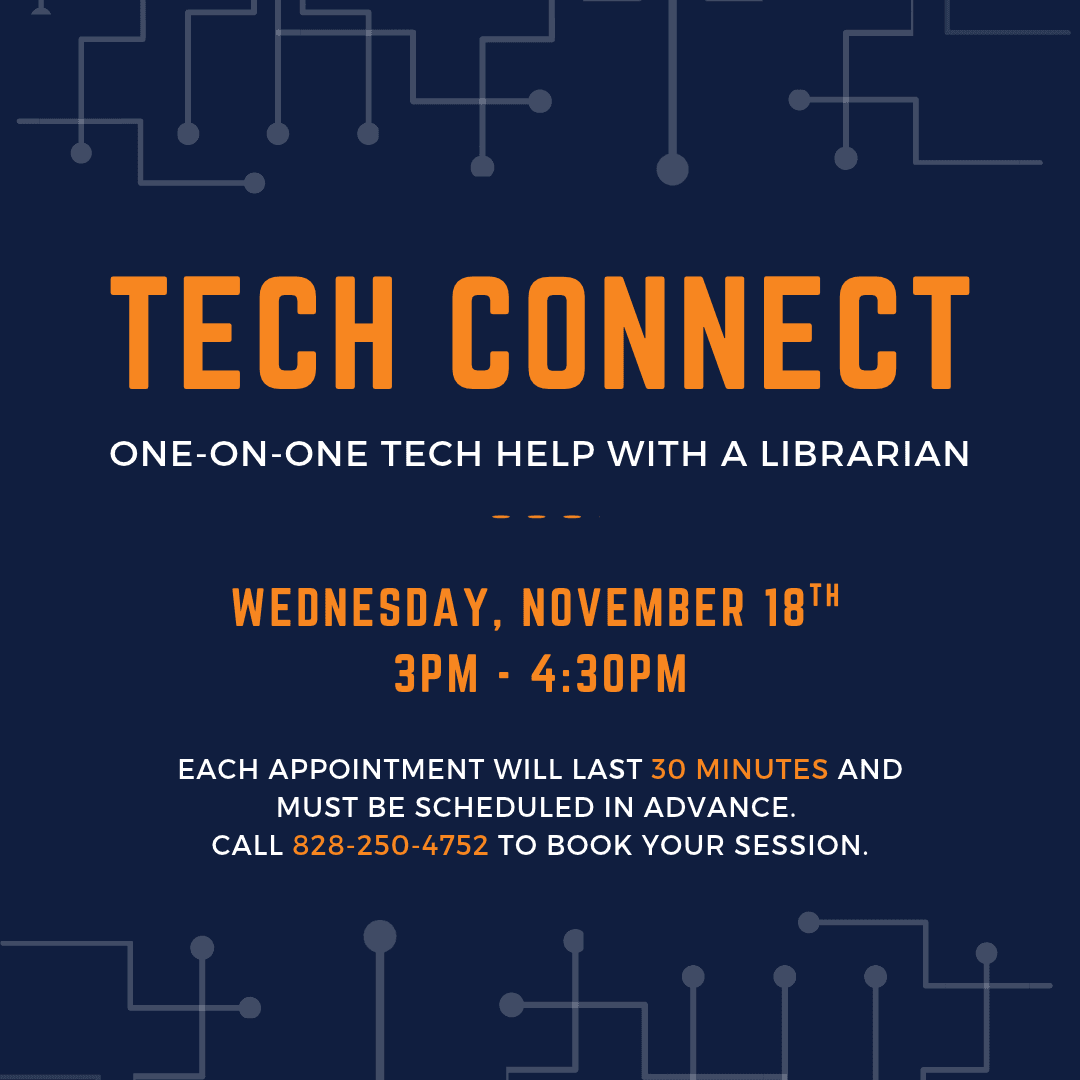
Get practical, personalized help troubleshooting email, e-readers, smartphones, and laptops in a scheduled 30-minute session with a librarian, building everyday digital skills and solving device questions; advance booking is required.
Get practical, personalized help troubleshooting email, e-readers, smartphones, and laptops in a scheduled 30-minute session with a librarian, building everyday digital skills and solving device questions; advance booking is required.
Get practical, personalized help troubleshooting email, e-readers, smartphones, and laptops in a scheduled 30-minute session with a librarian, building everyday digital skills and solving device questions; advance booking is required.

Learn to use a library card to access the NC Digital Library’s audiobooks, e-books, and magazines through Libby. A brief presentation and drop-in help cover installation and app troubleshooting.
Learn to use a library card to access the NC Digital Library’s audiobooks, e-books, and magazines through Libby. A brief presentation and drop-in help cover installation and app troubleshooting.
Learn to use a library card to access the NC Digital Library’s audiobooks, e-books, and magazines through Libby. A brief presentation and drop-in help cover installation and app troubleshooting.
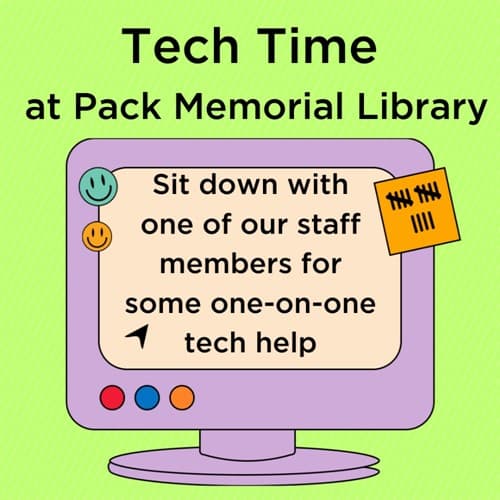
Get individualized help with computers, personal devices, and specific technology tasks, from troubleshooting to learning digital skills. Advance appointment required; each session lasts 30 minutes.
Get individualized help with computers, personal devices, and specific technology tasks, from troubleshooting to learning digital skills. Advance appointment required; each session lasts 30 minutes.
Get individualized help with computers, personal devices, and specific technology tasks, from troubleshooting to learning digital skills. Advance appointment required; each session lasts 30 minutes.
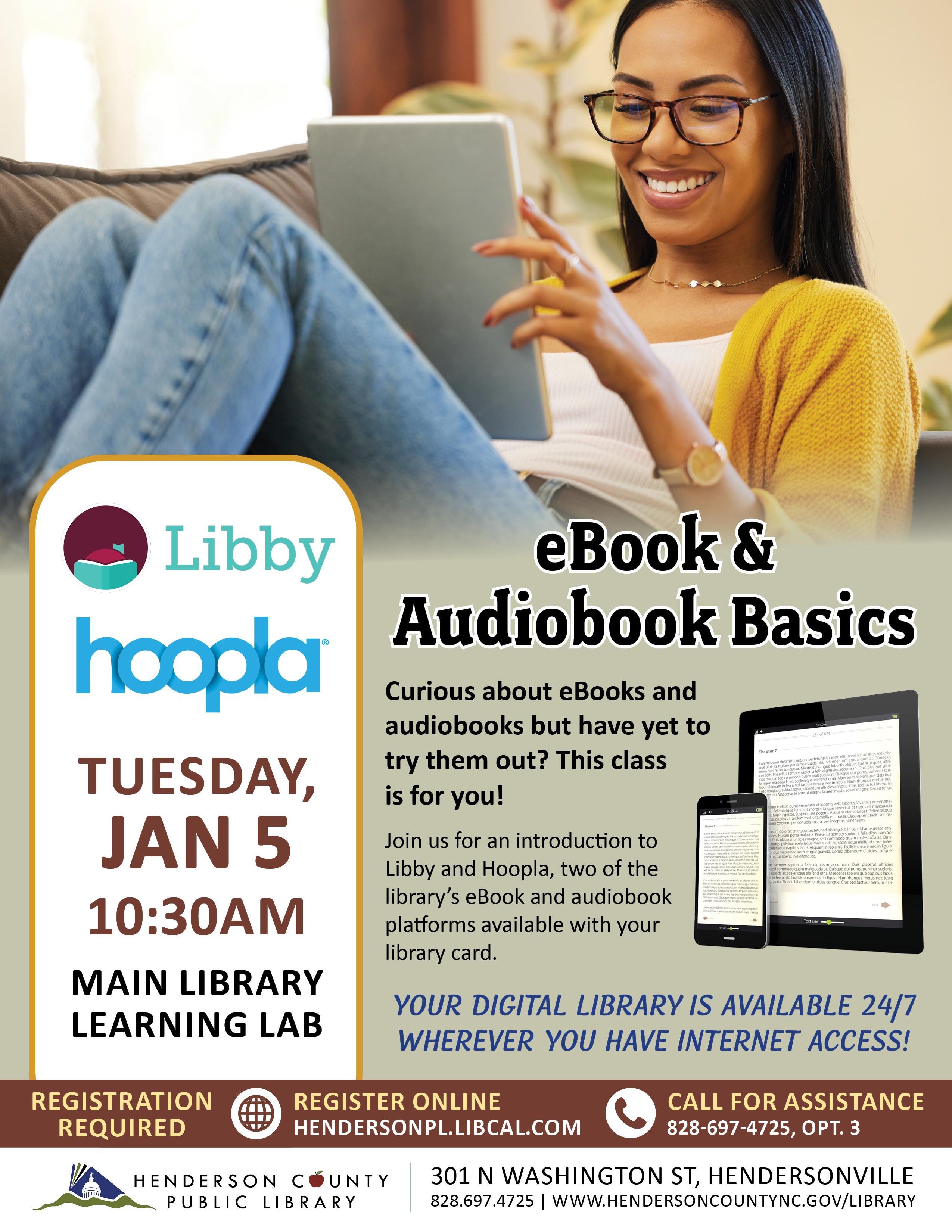
Learn to borrow eBooks and audiobooks through Libby and Hoopla using a library card. This introductory digital literacy class explains how to access the library’s collection anytime online.
Learn to borrow eBooks and audiobooks through Libby and Hoopla using a library card. This introductory digital literacy class explains how to access the library’s collection anytime online.
Learn to borrow eBooks and audiobooks through Libby and Hoopla using a library card. This introductory digital literacy class explains how to access the library’s collection anytime online.
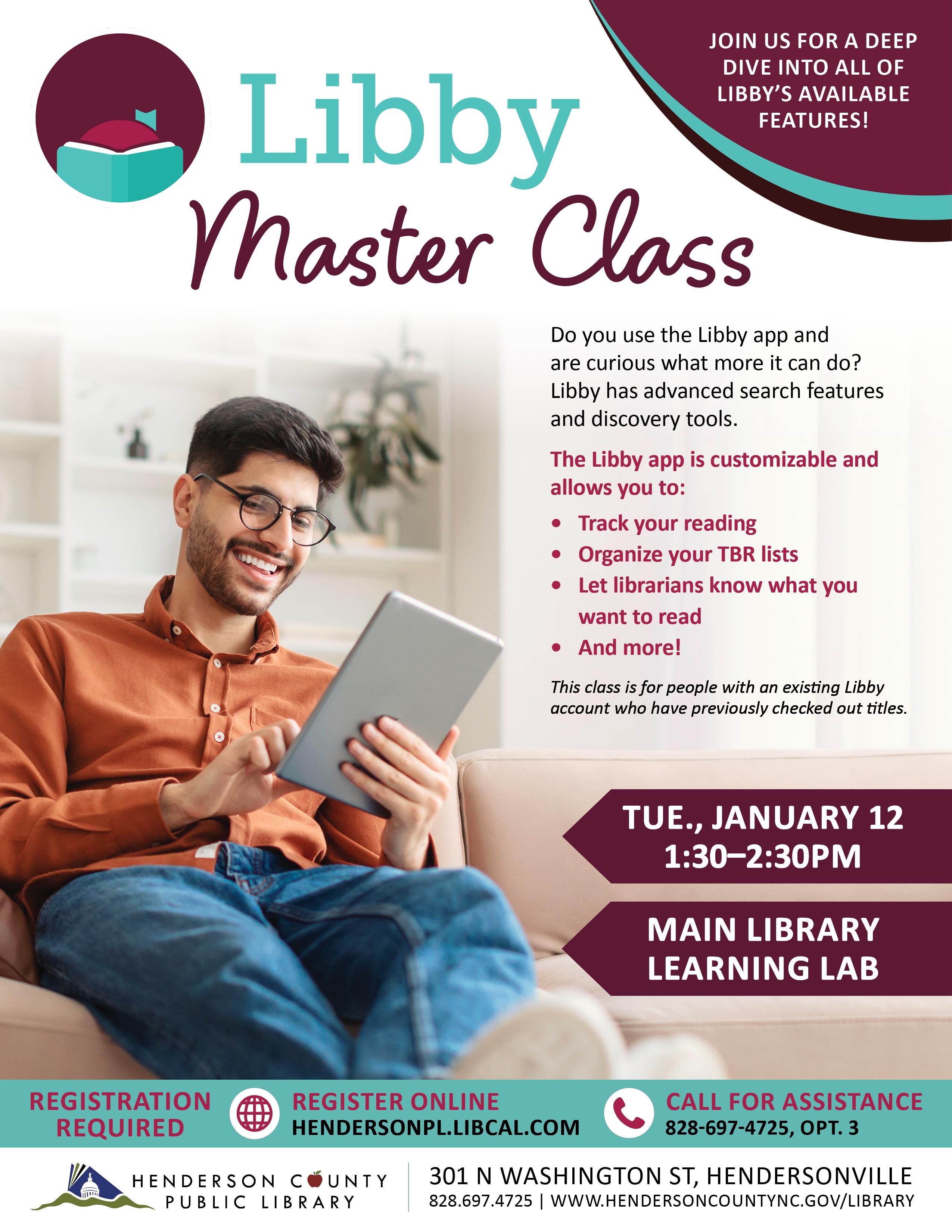
Explore advanced Libby search and discovery tools, customize reading preferences, track books, organize TBR lists, and share reading requests with librarians in a practical adult class.
Explore advanced Libby search and discovery tools, customize reading preferences, track books, organize TBR lists, and share reading requests with librarians in a practical adult class.
Explore advanced Libby search and discovery tools, customize reading preferences, track books, organize TBR lists, and share reading requests with librarians in a practical adult class.
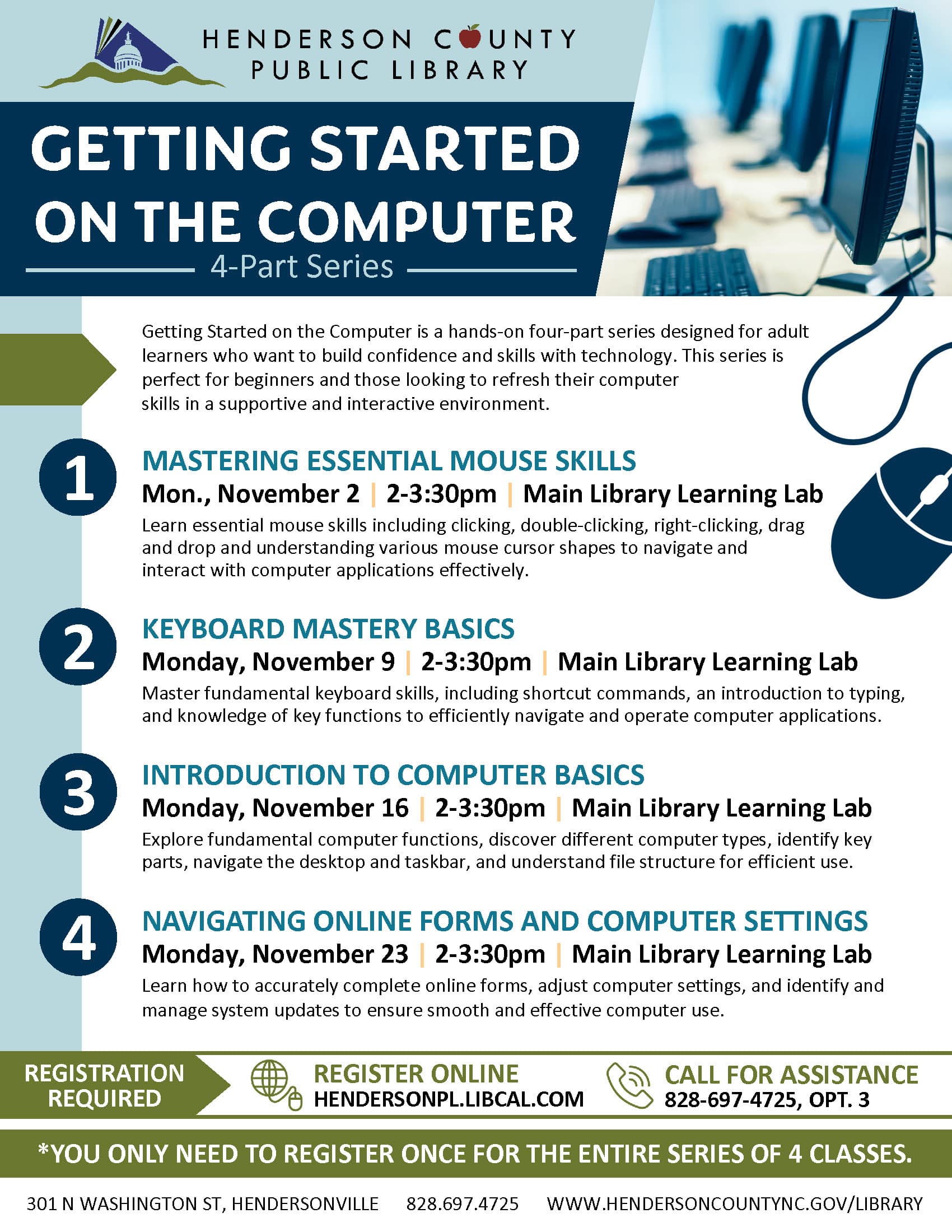
Hands-on beginner instruction builds confidence with desktop navigation, taskbars, computer components, device types, and file organization in a supportive setting for adults refreshing or developing essential technology skills.
Hands-on beginner instruction builds confidence with desktop navigation, taskbars, computer components, device types, and file organization in a supportive setting for adults refreshing or developing essential technology skills.
Hands-on beginner instruction builds confidence with desktop navigation, taskbars, computer components, device types, and file organization in a supportive setting for adults refreshing or developing essential technology skills.
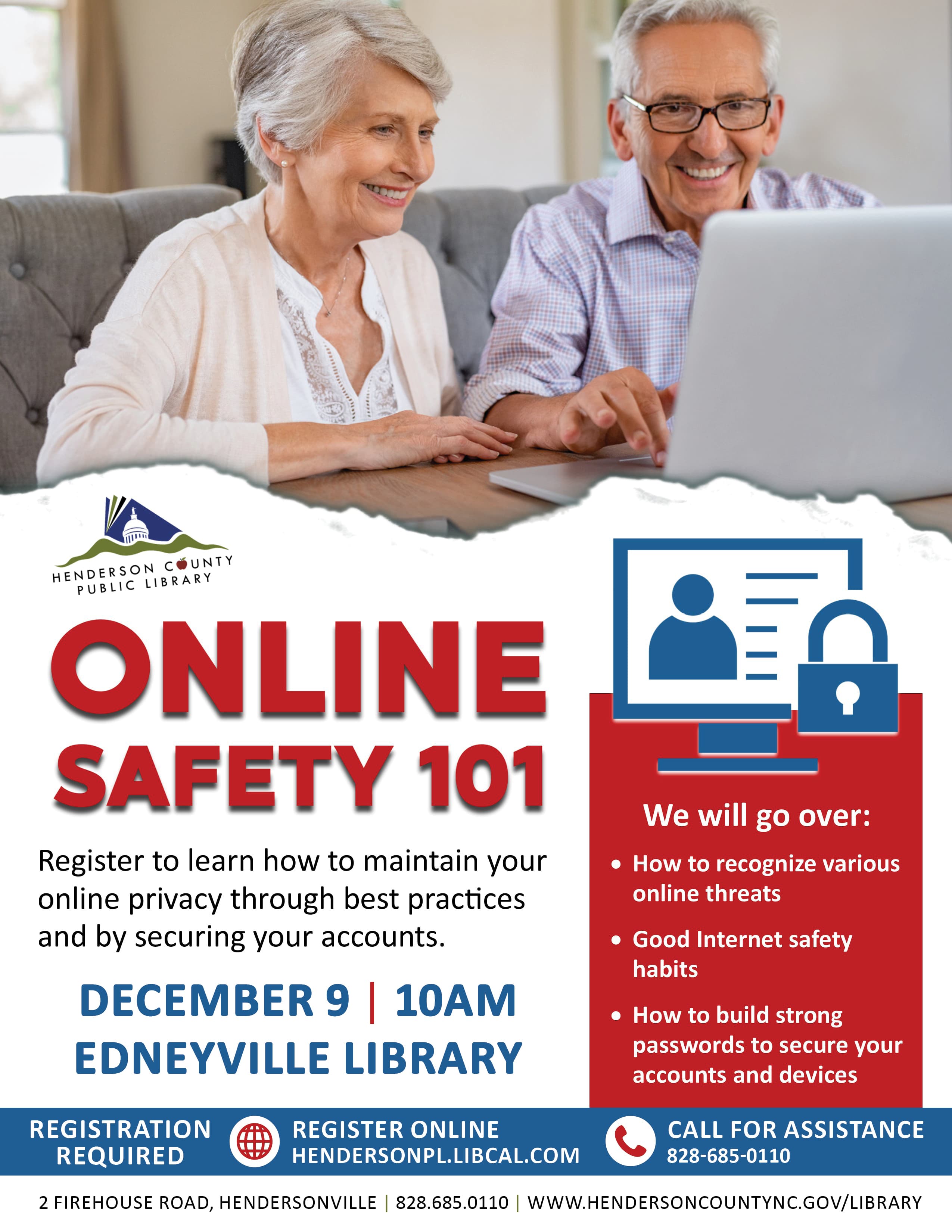
Build strong passwords, secure accounts and devices, and recognize common online threats in a practical adult learning session on internet safety, privacy, and everyday cybersecurity habits.
Build strong passwords, secure accounts and devices, and recognize common online threats in a practical adult learning session on internet safety, privacy, and everyday cybersecurity habits.
Build strong passwords, secure accounts and devices, and recognize common online threats in a practical adult learning session on internet safety, privacy, and everyday cybersecurity habits.
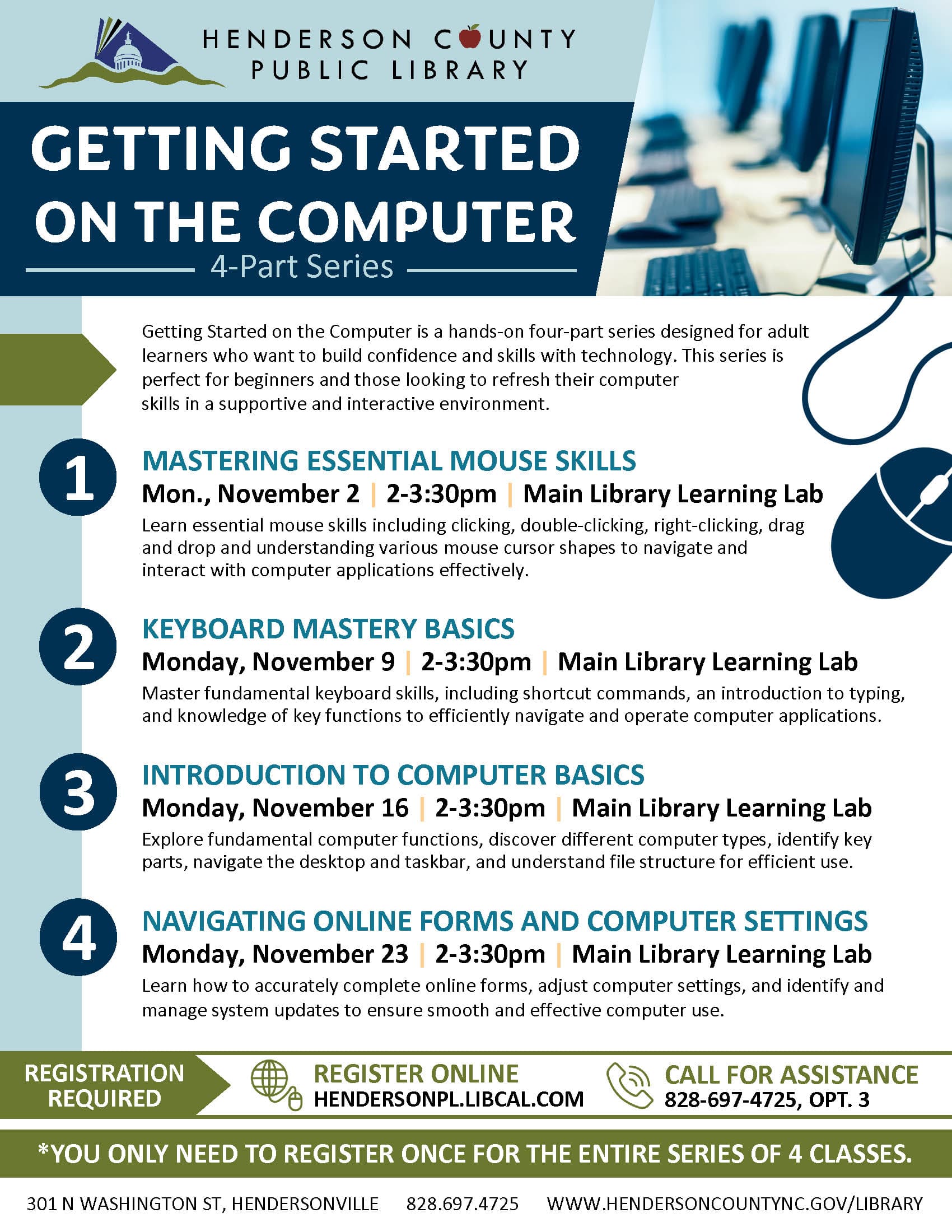
Build practical digital confidence by completing online forms, adjusting computer settings, and managing system updates. This supportive, interactive class helps adult beginners strengthen everyday technology skills.
Build practical digital confidence by completing online forms, adjusting computer settings, and managing system updates. This supportive, interactive class helps adult beginners strengthen everyday technology skills.
Build practical digital confidence by completing online forms, adjusting computer settings, and managing system updates. This supportive, interactive class helps adult beginners strengthen everyday technology skills.
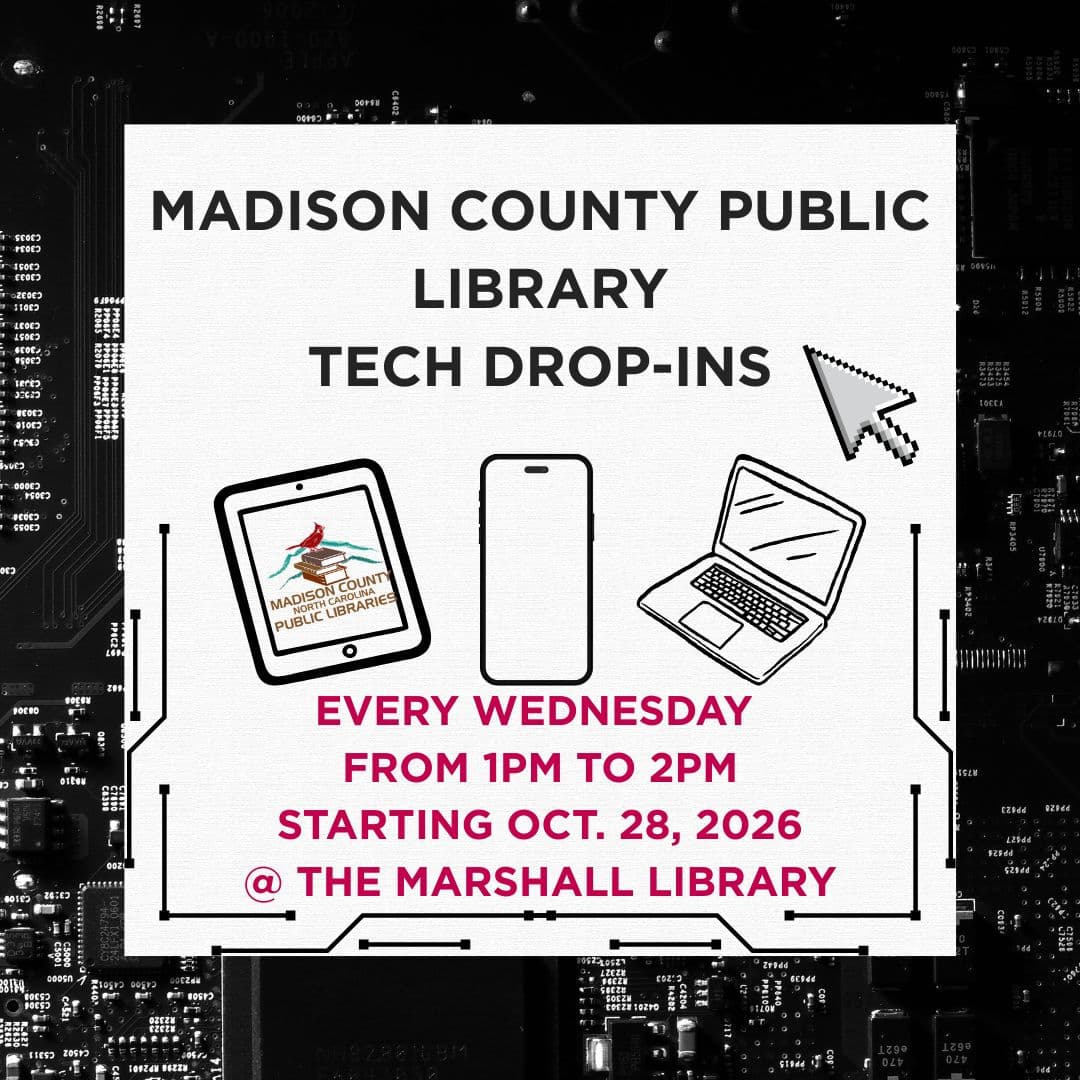
Adults can drop in for practical technology help and guidance in a welcoming public library setting. A low-pressure opportunity to build digital skills and get support with everyday tech questions.
Adults can drop in for practical technology help and guidance in a welcoming public library setting. A low-pressure opportunity to build digital skills and get support with everyday tech questions.
Adults can drop in for practical technology help and guidance in a welcoming public library setting. A low-pressure opportunity to build digital skills and get support with everyday tech questions.

Build practical internet navigation and email skills in the second session of a digital literacy course. Complete Northstar assessments for a chance to earn a free laptop through Land of Sky.
Build practical internet navigation and email skills in the second session of a digital literacy course. Complete Northstar assessments for a chance to earn a free laptop through Land of Sky.
Build practical internet navigation and email skills in the second session of a digital literacy course. Complete Northstar assessments for a chance to earn a free laptop through Land of Sky.
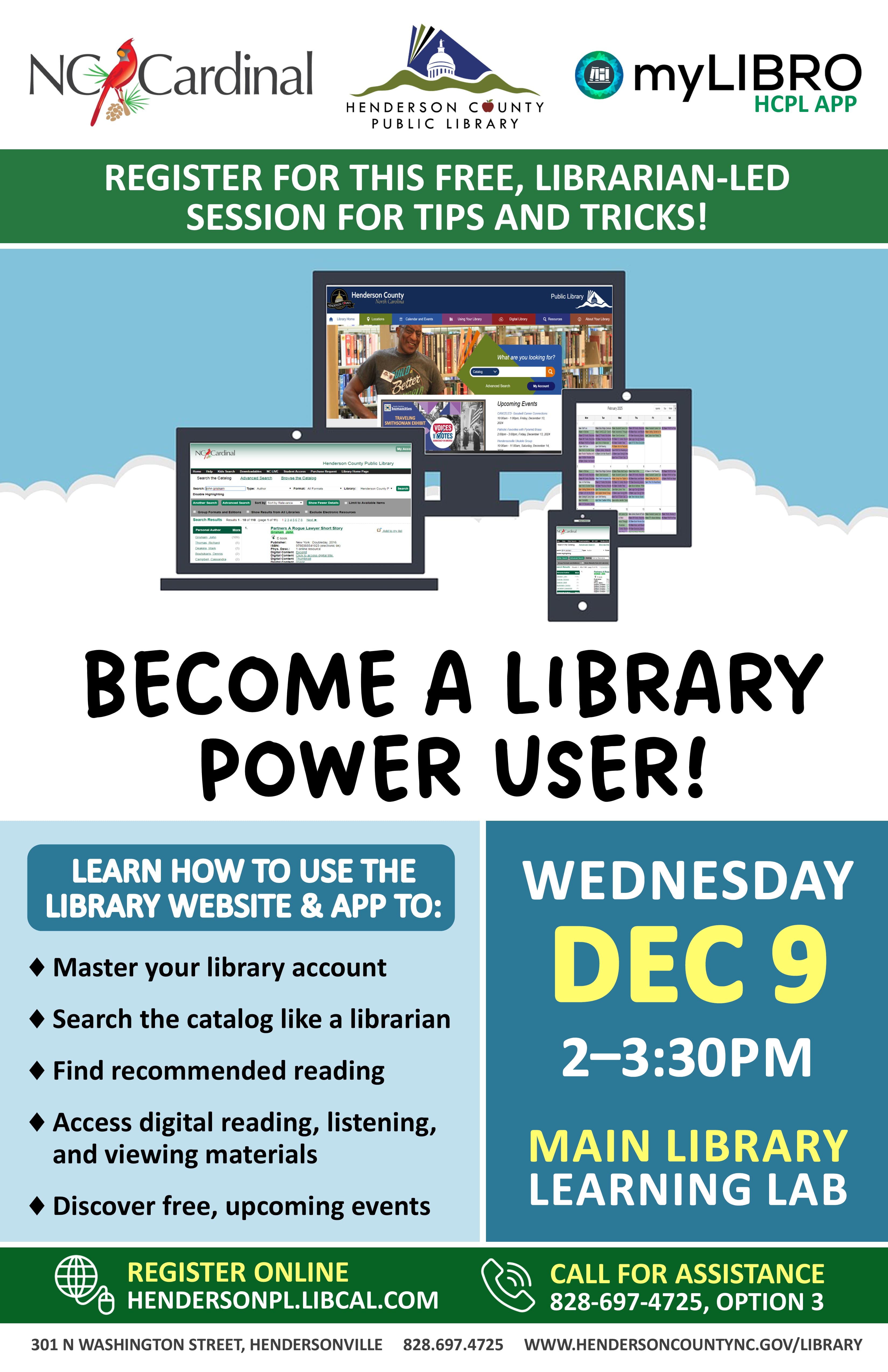
Build digital library skills with a free, librarian-led tutorial on managing your account, searching the catalog, finding reading recommendations, accessing ebooks and streaming media, and discovering upcoming events.
Build digital library skills with a free, librarian-led tutorial on managing your account, searching the catalog, finding reading recommendations, accessing ebooks and streaming media, and discovering upcoming events.
Build digital library skills with a free, librarian-led tutorial on managing your account, searching the catalog, finding reading recommendations, accessing ebooks and streaming media, and discovering upcoming events.
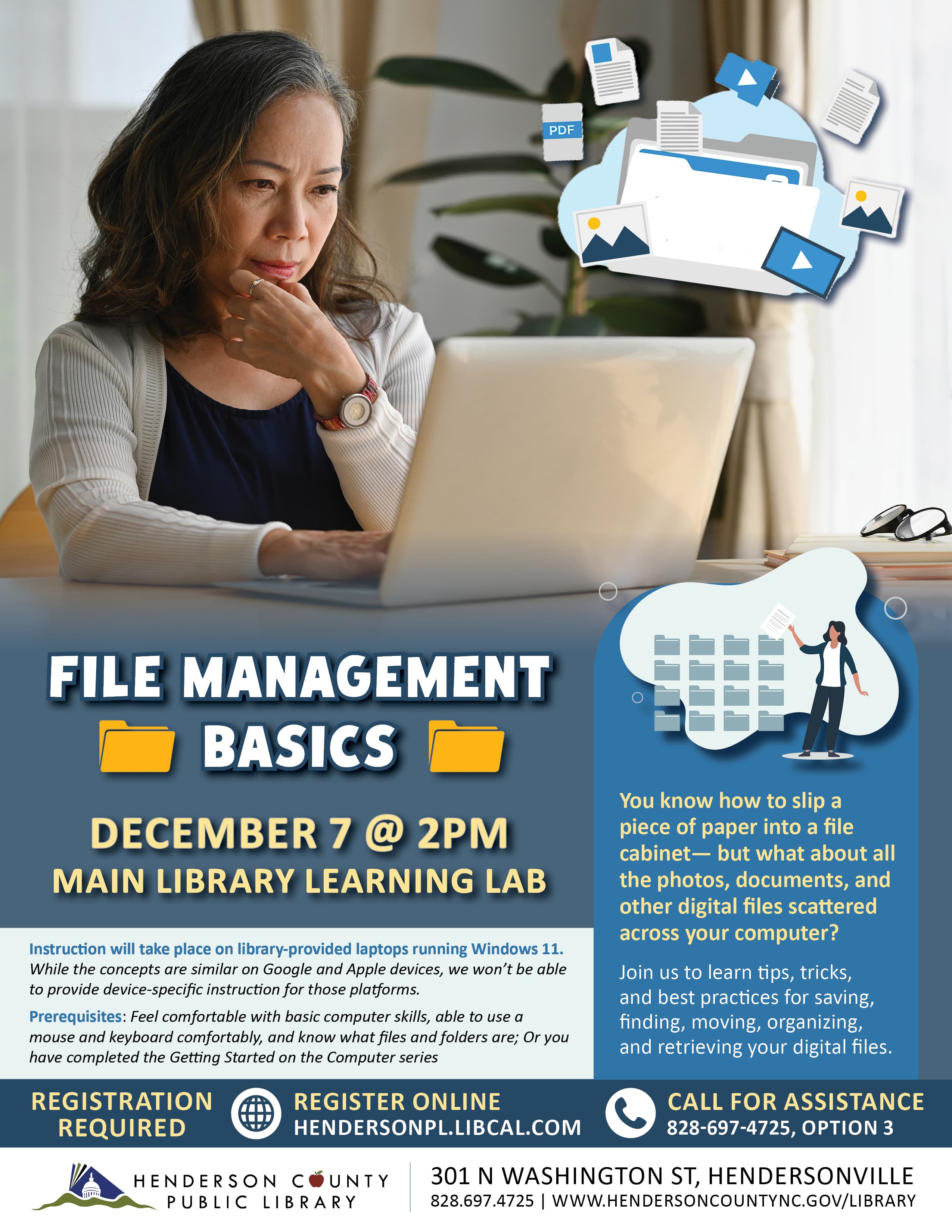
Learn practical Windows 11 skills for saving, locating, moving, and organizing photos and documents, with hands-on guidance on library laptops and tips for retrieving scattered digital files.
Learn practical Windows 11 skills for saving, locating, moving, and organizing photos and documents, with hands-on guidance on library laptops and tips for retrieving scattered digital files.
Learn practical Windows 11 skills for saving, locating, moving, and organizing photos and documents, with hands-on guidance on library laptops and tips for retrieving scattered digital files.
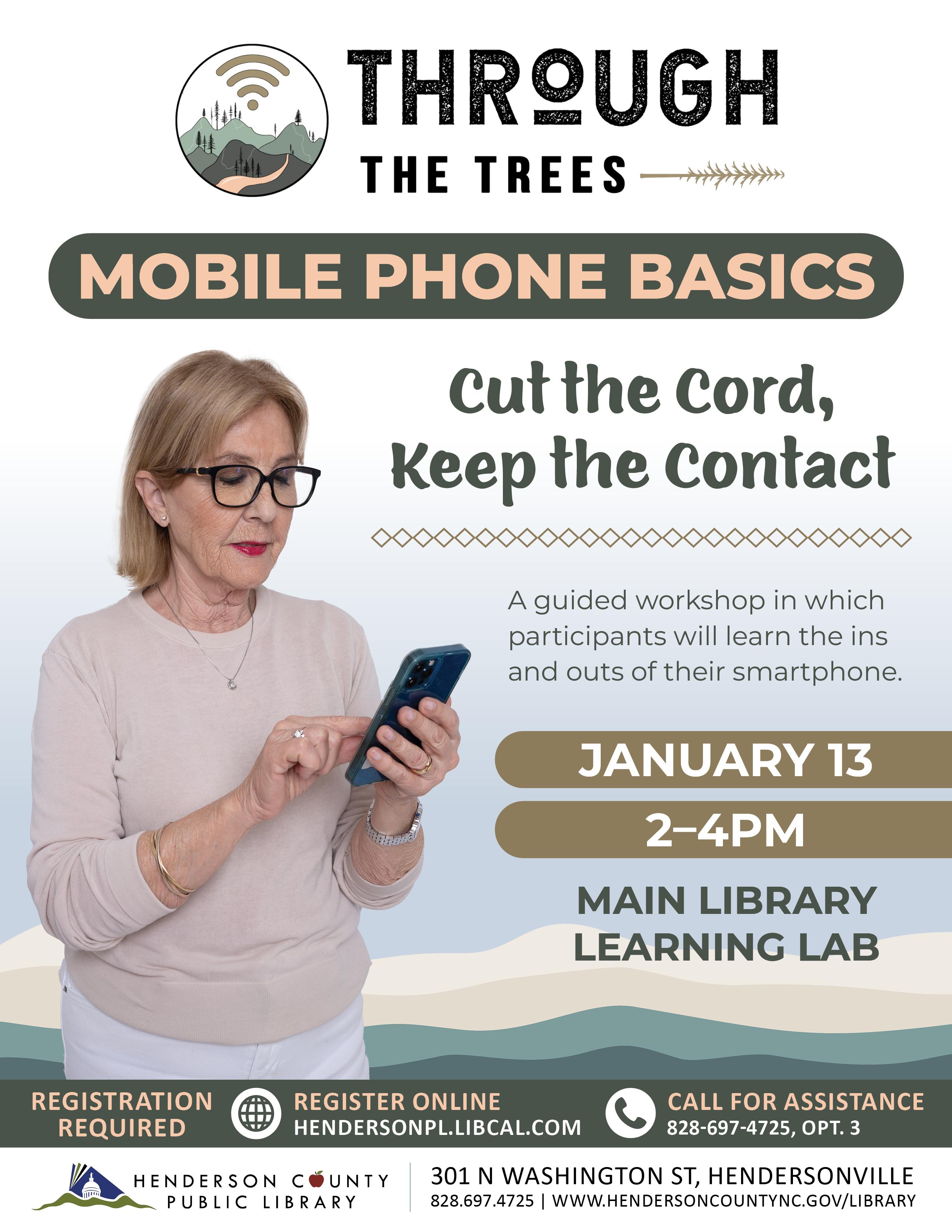
Hands-on smartphone instruction helps adults navigate their own devices, build confidence with essential mobile phone features, and stay connected. Registration is required for this practical technology skills workshop.
Hands-on smartphone instruction helps adults navigate their own devices, build confidence with essential mobile phone features, and stay connected. Registration is required for this practical technology skills workshop.
Hands-on smartphone instruction helps adults navigate their own devices, build confidence with essential mobile phone features, and stay connected. Registration is required for this practical technology skills workshop.
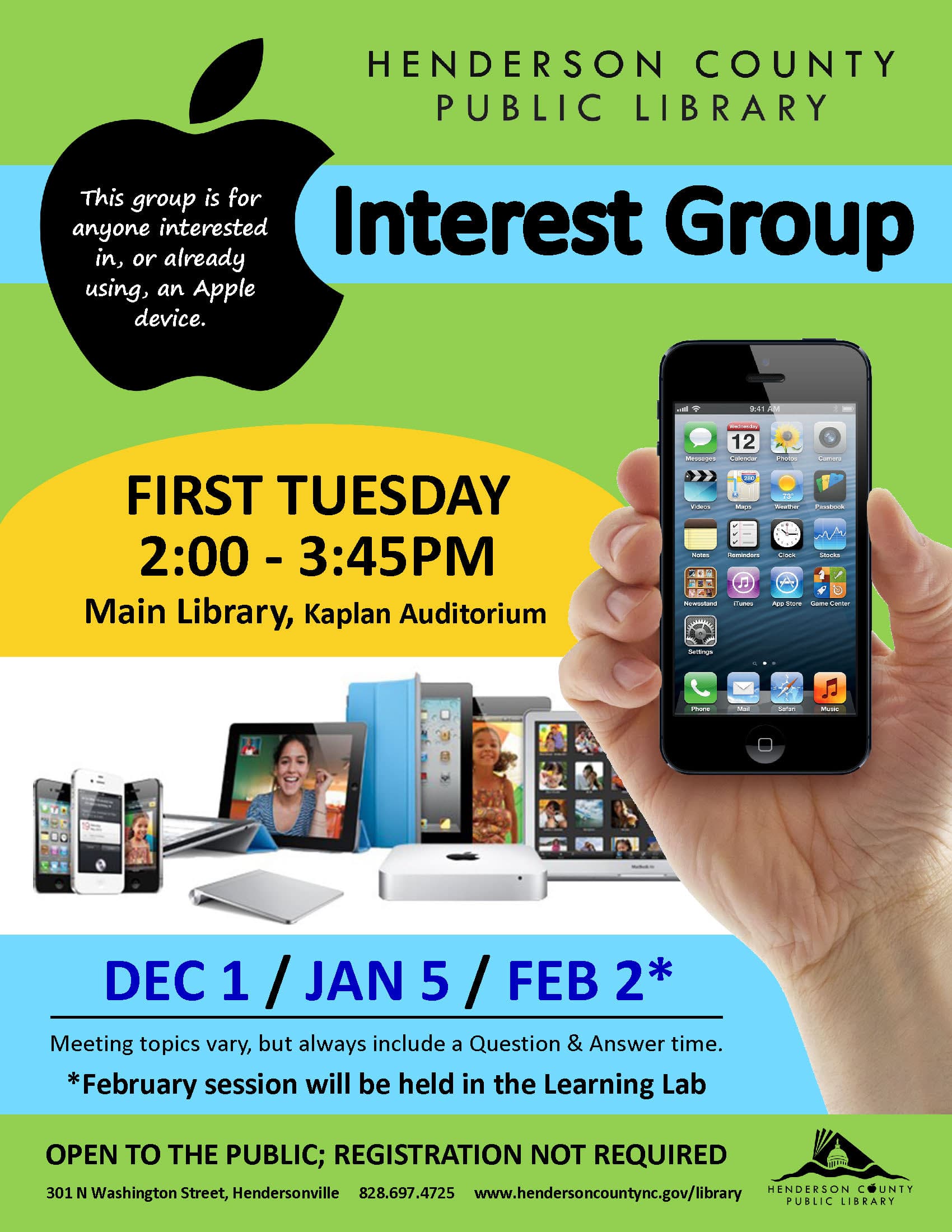
Practical discussions and Q&A help Apple users and curious beginners explore iPhones, iPads, Macs, and other devices, with meeting topics changing to suit the group’s interests.
Practical discussions and Q&A help Apple users and curious beginners explore iPhones, iPads, Macs, and other devices, with meeting topics changing to suit the group’s interests.
Practical discussions and Q&A help Apple users and curious beginners explore iPhones, iPads, Macs, and other devices, with meeting topics changing to suit the group’s interests.
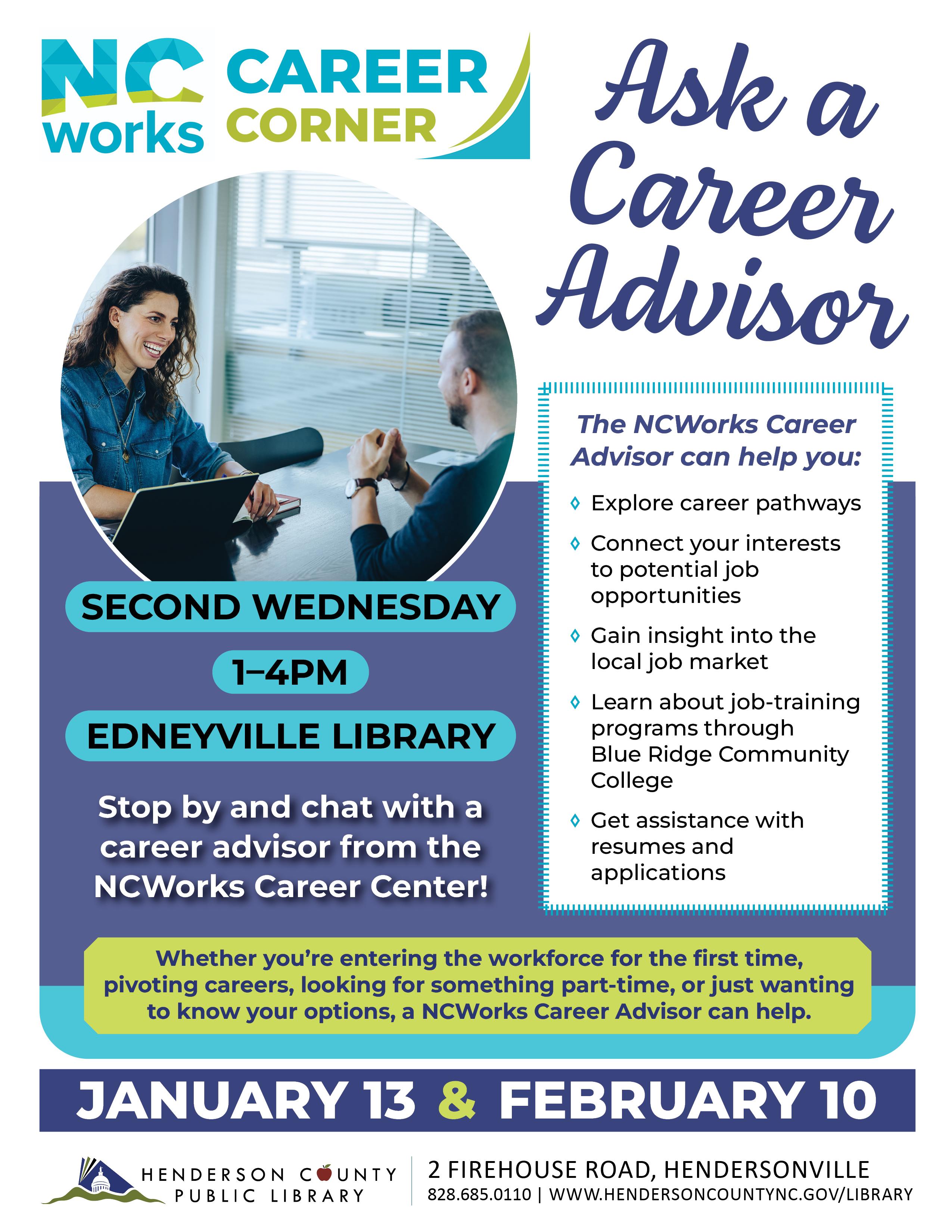
Explore career pathways, local job opportunities, and training programs with personalized guidance. Get practical help matching interests to work options and strengthening resumes and applications.
Explore career pathways, local job opportunities, and training programs with personalized guidance. Get practical help matching interests to work options and strengthening resumes and applications.
Explore career pathways, local job opportunities, and training programs with personalized guidance. Get practical help matching interests to work options and strengthening resumes and applications.
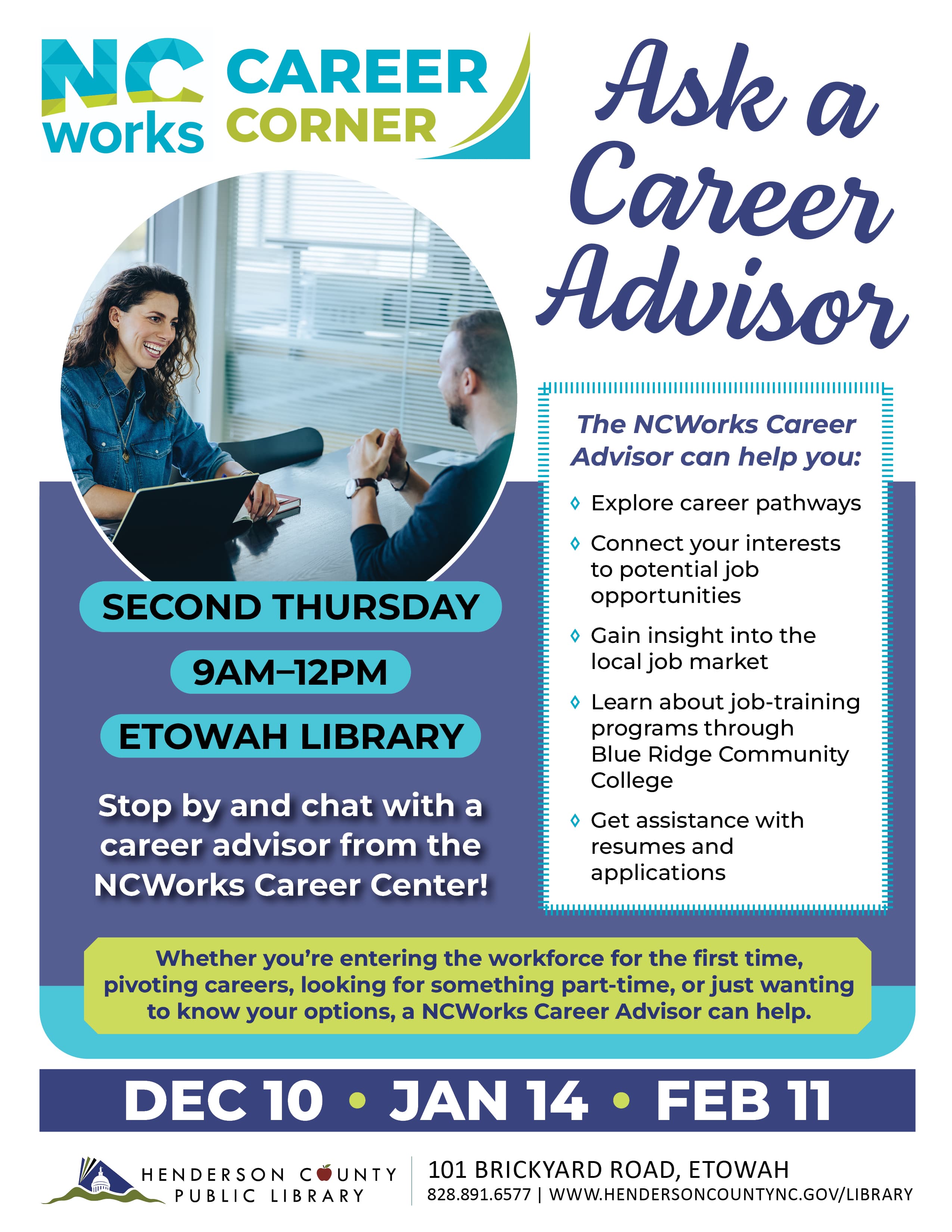
Get practical guidance on career pathways, local job opportunities, resume writing, and applications from an NCWorks advisor. Explore job-training programs and options for entering or changing careers.
Get practical guidance on career pathways, local job opportunities, resume writing, and applications from an NCWorks advisor. Explore job-training programs and options for entering or changing careers.
Get practical guidance on career pathways, local job opportunities, resume writing, and applications from an NCWorks advisor. Explore job-training programs and options for entering or changing careers.
Tech Tuesday
MoreAn adult-focused gathering centered on technology in a community library setting, with a welcoming space for digital learning and practical exploration.
An adult-focused gathering centered on technology in a community library setting, with a welcoming space for digital learning and practical exploration.
An adult-focused gathering centered on technology in a community library setting, with a welcoming space for digital learning and practical exploration.
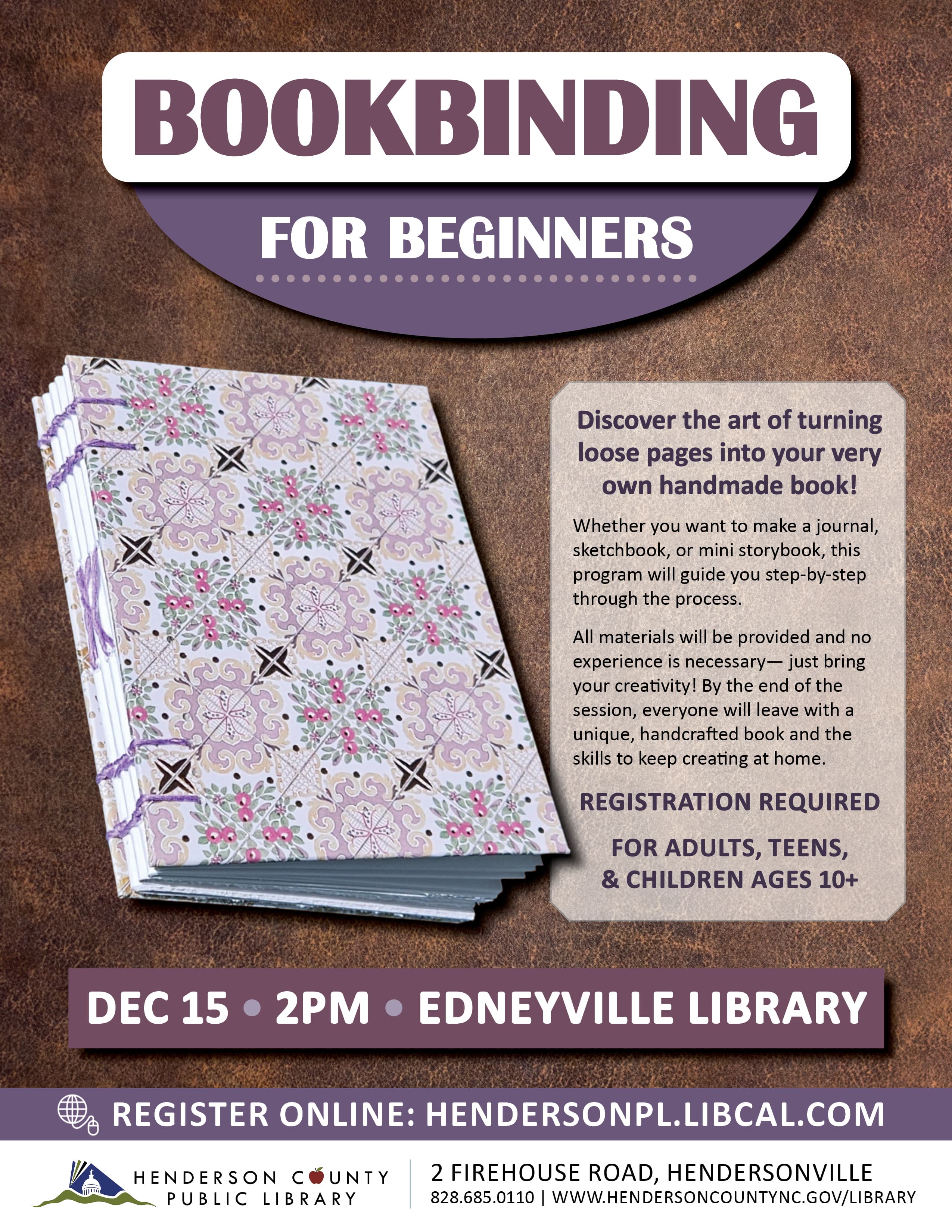
Learn step by step to transform loose pages into a handcrafted journal, sketchbook, or mini storybook. All materials are provided, and beginners ages 10 and up are welcome.
Learn step by step to transform loose pages into a handcrafted journal, sketchbook, or mini storybook. All materials are provided, and beginners ages 10 and up are welcome.
Learn step by step to transform loose pages into a handcrafted journal, sketchbook, or mini storybook. All materials are provided, and beginners ages 10 and up are welcome.
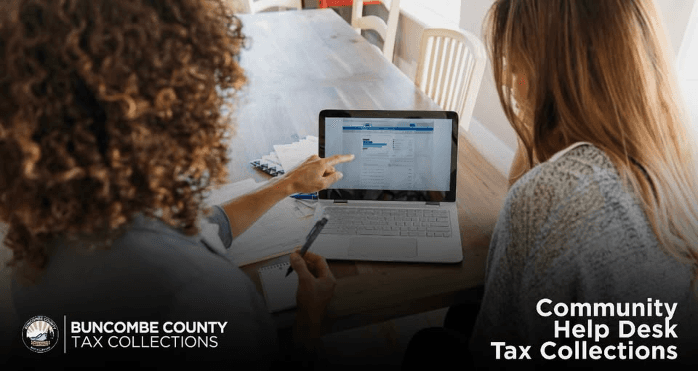
Practical one-on-one guidance helps residents pay property tax bills online, understand deadlines and payment arrangements, and locate valuation, reappraisal, and tax relief information through county staff.
Practical one-on-one guidance helps residents pay property tax bills online, understand deadlines and payment arrangements, and locate valuation, reappraisal, and tax relief information through county staff.
Practical one-on-one guidance helps residents pay property tax bills online, understand deadlines and payment arrangements, and locate valuation, reappraisal, and tax relief information through county staff.